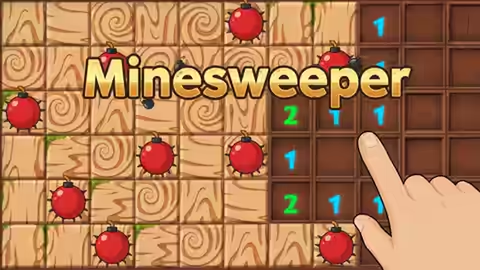
Every click is a guess. Except the ones that aren't.
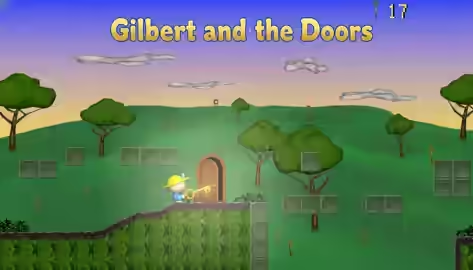
Twenty-two rooms. Every door wants a key. Every key is hiding.
Waves first. Bosses later. Your trigger finger already knows.
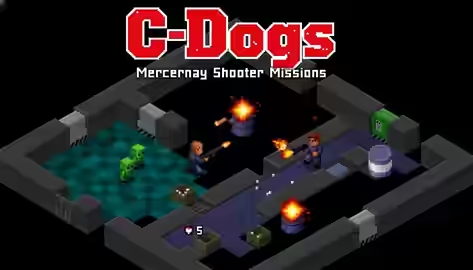
If they reach the bottom, you lose a life. Ammo is not a suggestion.
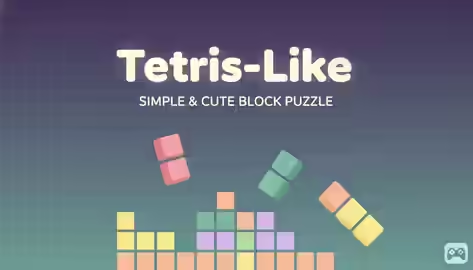
The stack is rising. Your next piece is never the one you wanted.
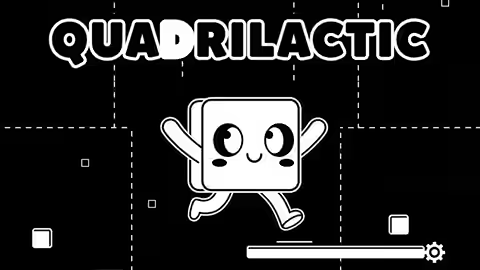
You're a square in space. The universe still wants you dead.
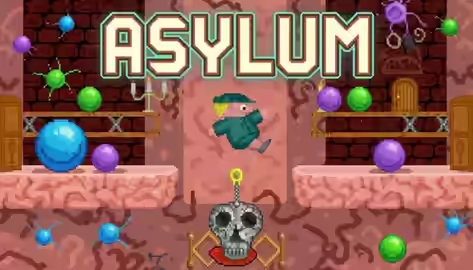
You're inside someone's head. Eight thoughts left to shut down.
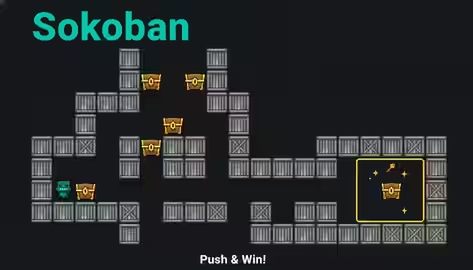
Push the chest. Trap yourself. Undo it in your head—then do it right.
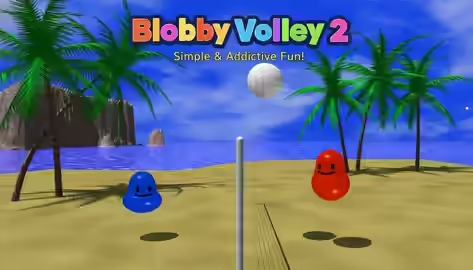
Two blobs. One ball. Dignity optional.
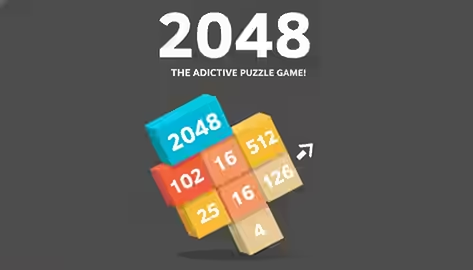
Just one more merge. That's what you said last time.
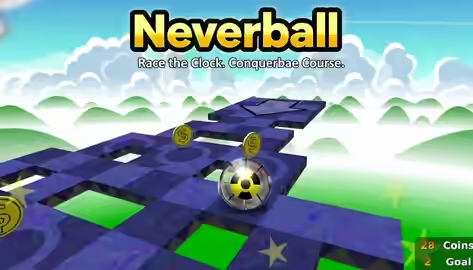
The floor is the controller. One tilt too far and you're gone.
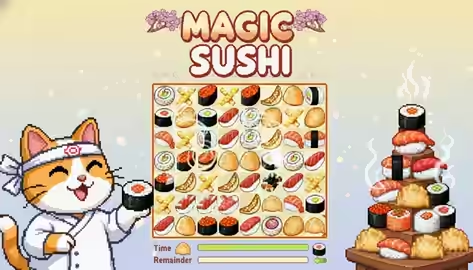
The sushi is lined up. The clock is not on your side.
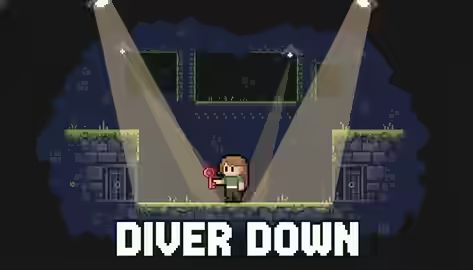
Light is the enemy. Dive into the wall before it sees you.
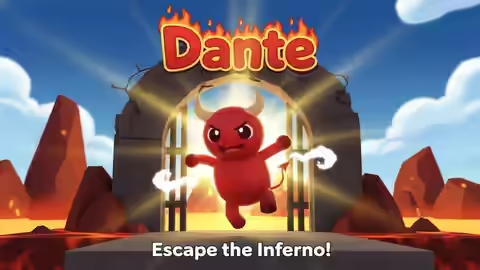
Hell has stairs. You have one job: keep climbing.
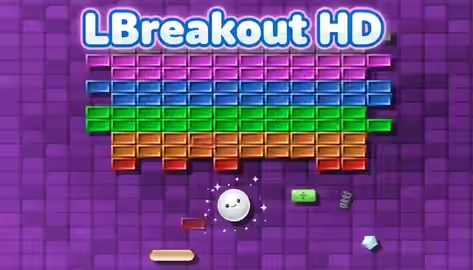
One paddle. One ball. A wall that really wants to stay.